
Floors and Rooms
Create rooms, corridors, platforms, and custom floor shapes using grid or point-based placement.
Features
Explore the focused tools that take your level from the first floor and wall to a testable, export-ready layout.
Build
Build rooms, routes, boundaries, height changes, and connections using focused tools designed for fast layout creation.
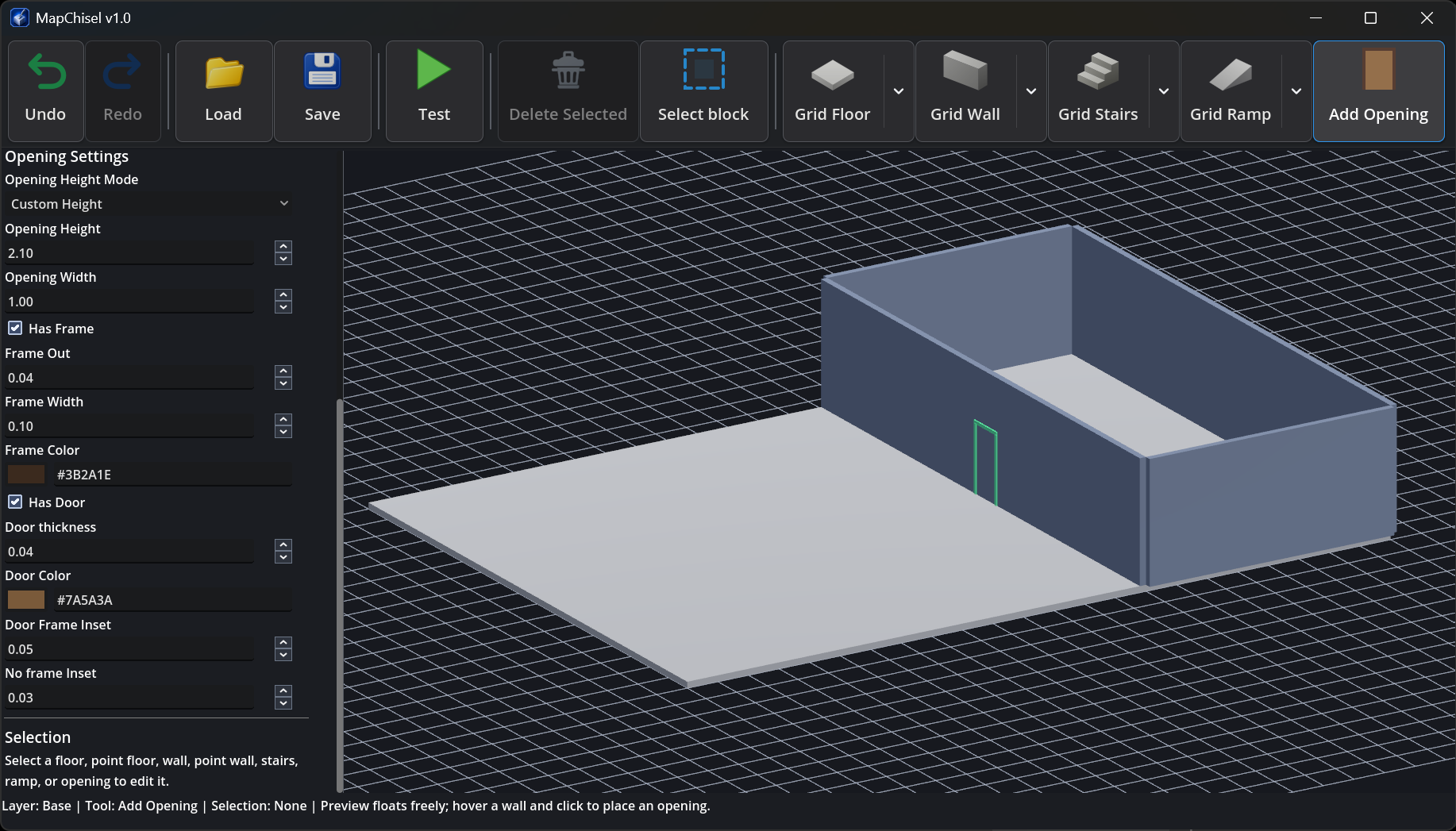
Create rooms, corridors, platforms, and custom floor shapes using grid or point-based placement.
Build modular wall segments, complete rectangular perimeters, or individual walls between two points.
Connect different heights using grid-aligned or freely directed stairs and ramps.
Add openings to supported walls, with optional frames and linked doors.
Choose between grid, point, rectangle, and free-direction tools according to the shape you need.
Refine and Organize
Select objects, edit their properties, organize the level with layers, and keep refining the layout before moving on to final artwork.
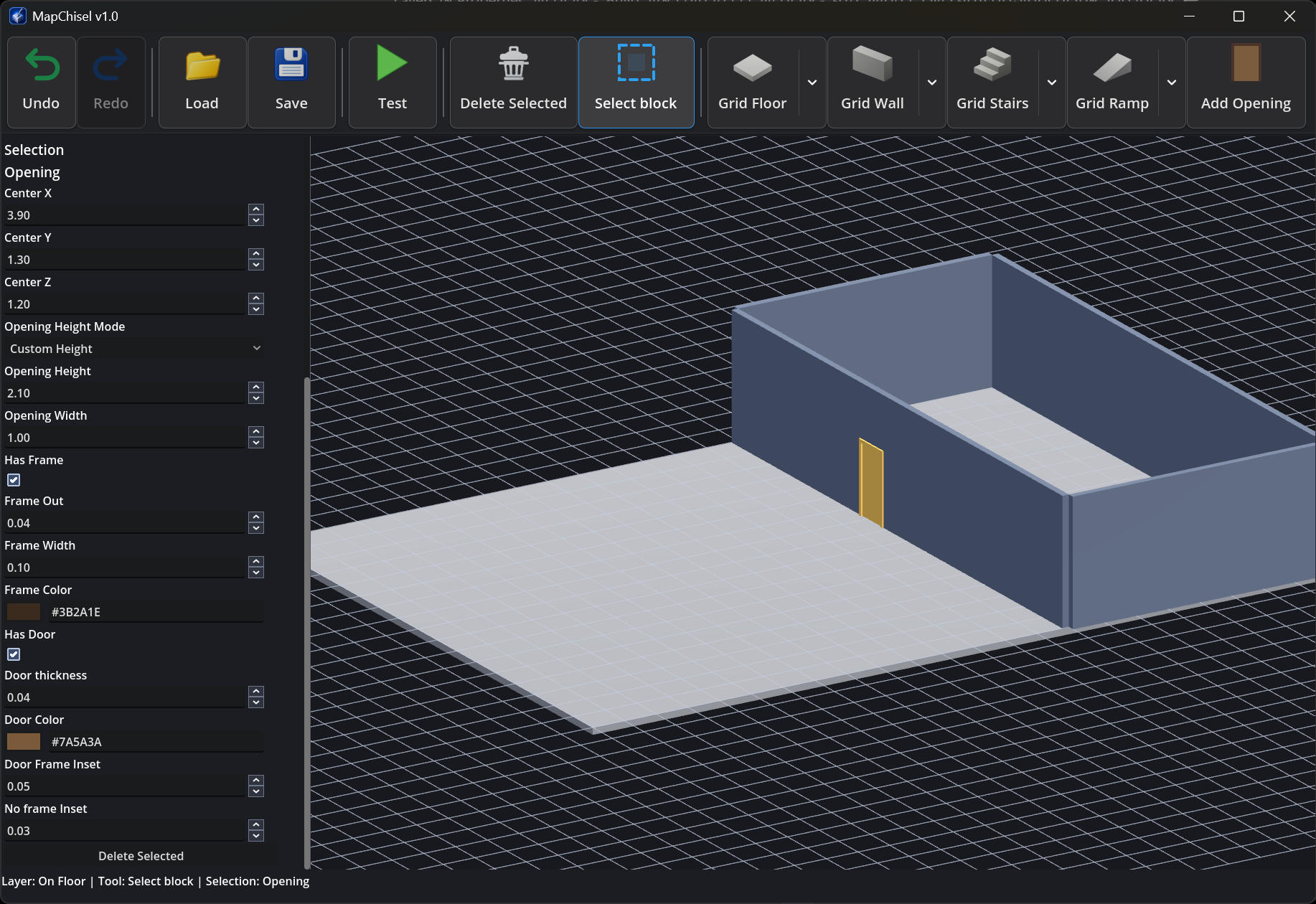
Use single selection, multi-selection, quick selection under the pointer, and object-specific property editing.
Adjust dimensions, height, thickness, colors, slope settings, and other properties according to the selected object.
Create and rename layers, set their base heights, and choose the active layer for newly created content.
Use Undo, Redo, Restore Selection, and Delete Selected while refining the layout.
Test Mode
Enter a first-person preview, inspect routes and height changes, then return to the editor and continue refining the layout.
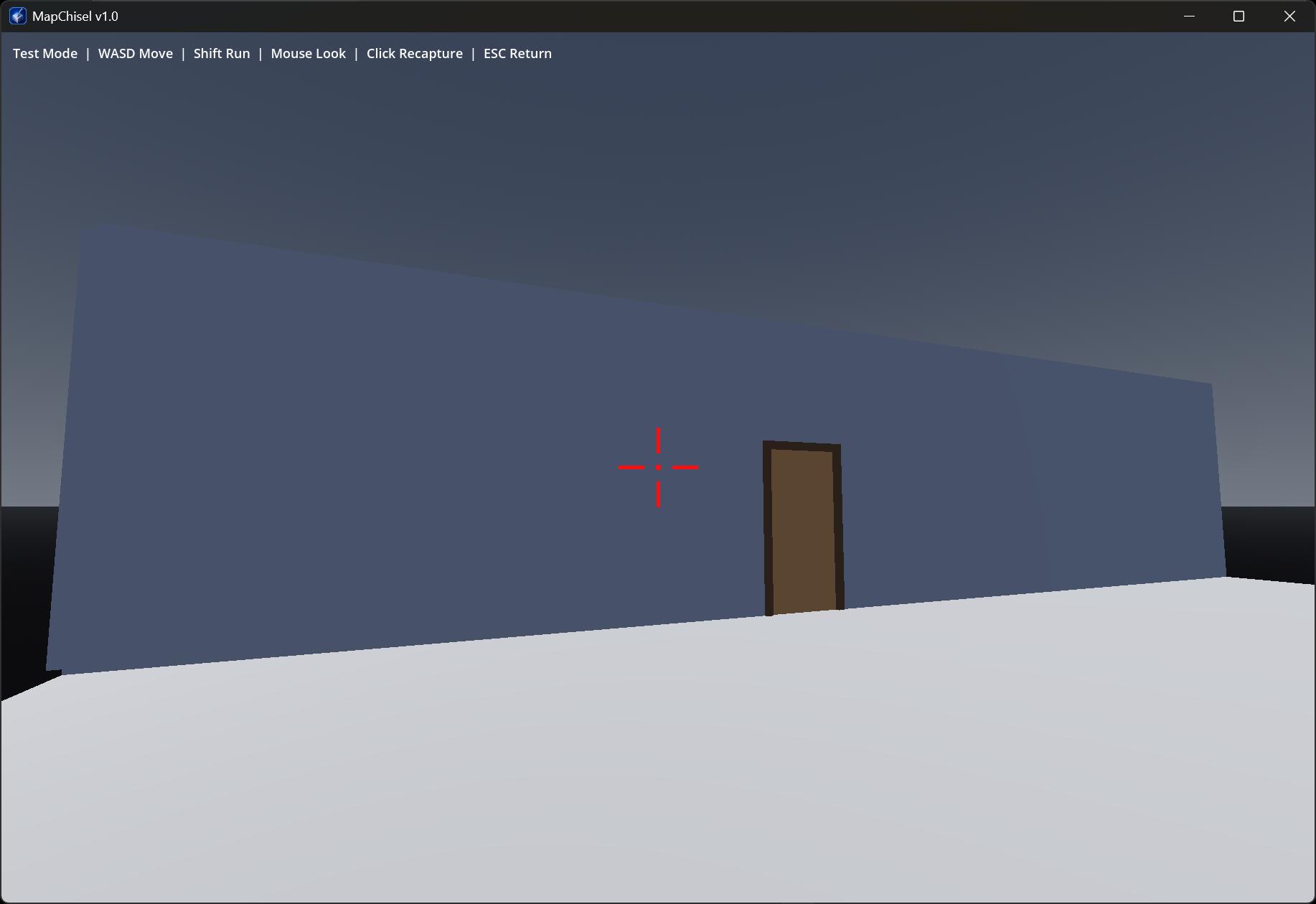
Move through the level and inspect the layout from the player’s point of view.
Test stepped routes, walkable ramps, and slide behavior.
Preview proximity-based linked door behavior.
Exit Test Mode and continue adjusting the layout.
Test Mode is available in the Free Preview and requires at least one floor.
Read the Test Mode guideSave and Export
Save the editable project or export the layout in the format that fits the next stage of your workflow.
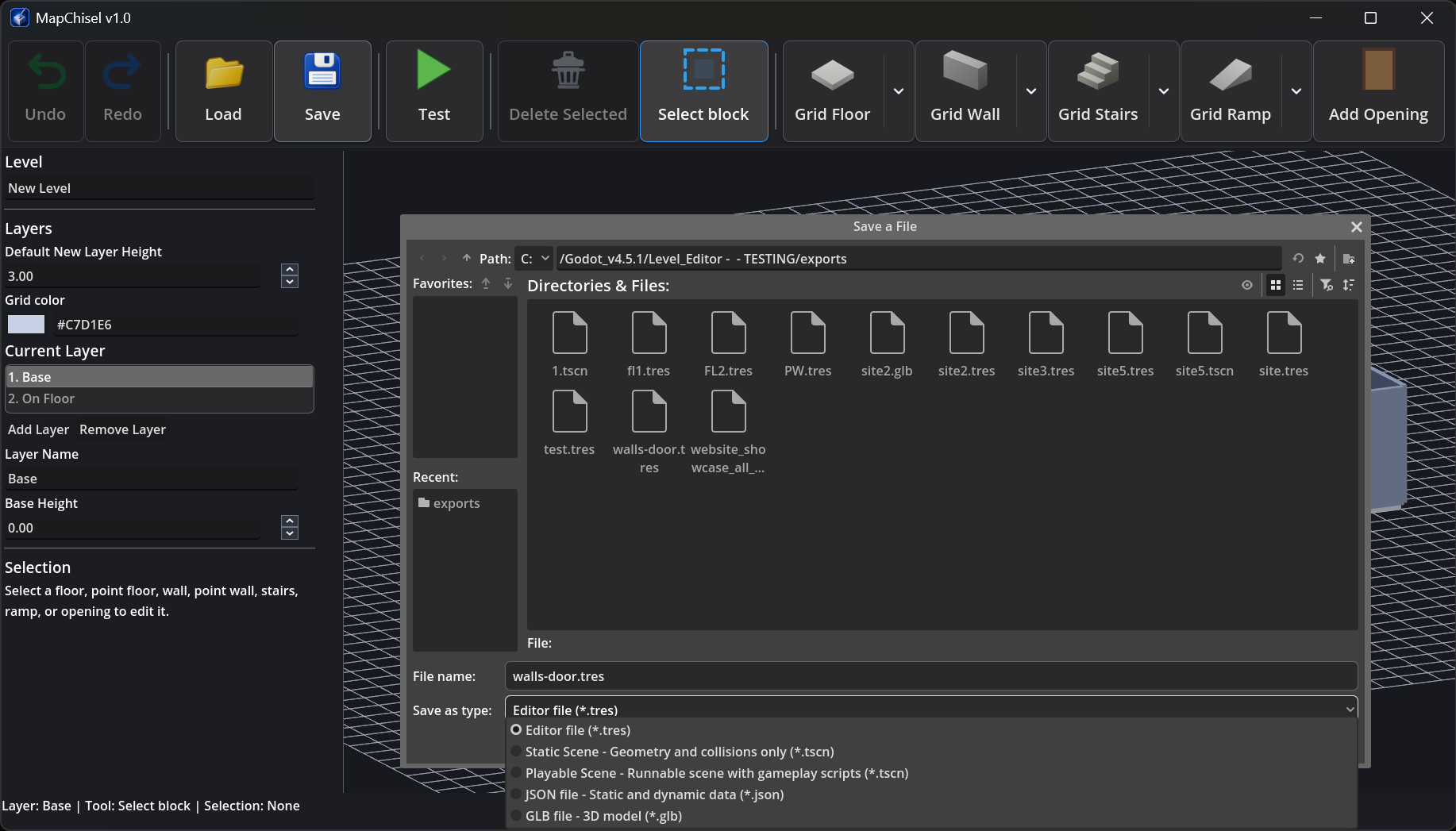
Save the editable level and reopen it later in MapChisel to continue refining the layout.
Export the layout as a static or playable Godot scene with generated geometry and collision.
Export structured level information for custom scripts, tools, and development workflows.
Export visible level geometry and color materials for compatible 3D tools and engines.
Saving projects and exporting files require the Full Version.
Start Building
Explore the complete building and testing workflow, then unlock the Full Version when you are ready to save and export.